
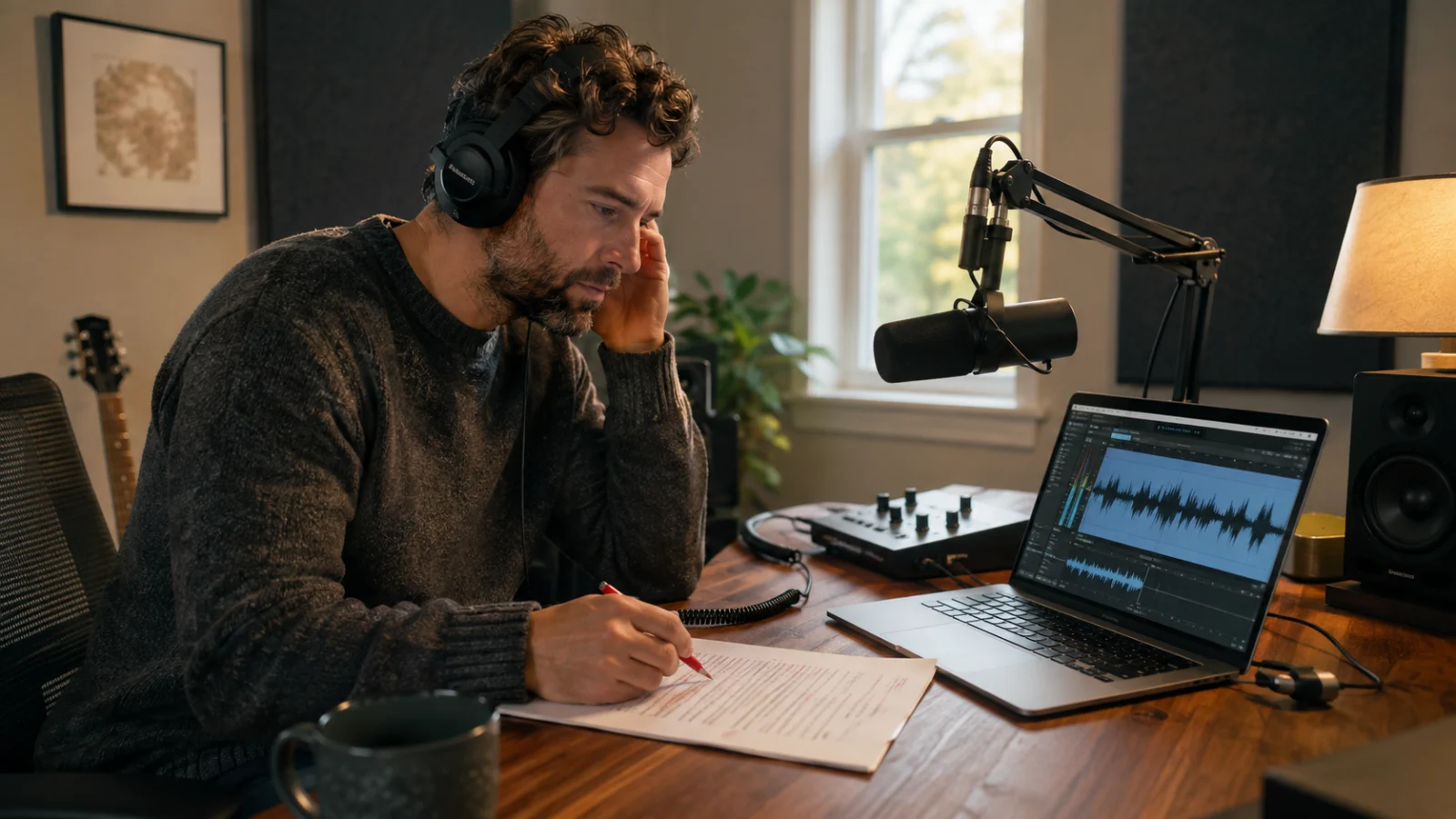
Muse Voice Transcribe to AI Voiceover: A Speech-to-Text-to-Speech Workflow for Creators
Most transcription workflows end when words appear on a screen. Most voice-generation workflows begin when a polished script is ready. Creators working with interviews, podcasts, courses, product demos, or research recordings live in the difficult space between those two moments.
Meta's Muse Voice Transcribe is designed for the listening side of that process. Announced on September 1, 2026, it performs streaming automatic speech recognition, speaker diarization, and endpointing in real time. Miso One belongs on the other side: after a human has reviewed the transcript, shaped it into a script, and decided which voice should deliver the new version.
That gives us a useful three-part workflow: listen, edit, speak again. Listen to preserve what was actually said. Edit to make the material accurate and suitable for its new purpose. Speak again with a public AI voice, a private voice clone you have permission to use, or a voice designed for the project.
This article explains that complete path. It also keeps three things separate: Meta's model, the applications built around transcription, and Miso One's voice-generation tools. Miso One does not currently claim to integrate the Meta Model API.
Key takeaways
- Muse Voice Transcribe is Meta Superintelligence Labs' real-time audio-perception model for streaming speech to text, speaker diarization, and endpoint detection.
- Meta says the model was trained across more than 70 languages, with 25 extensively verified, and can handle code-switching, context biasing, audio longer than an hour, and more than 20 speakers.
- A low word error rate does not turn an automatic transcript into publication-ready copy. Names, numbers, quotations, attribution, and meaning still need human review.
- The most valuable creator workflow is not audio in, transcript out. It is source audio → evidence-linked transcript → edited script → generated voiceover → listening review.
- Miso One is the “speak again” stage: creators can move an approved script into text to speech, select from the public voice library, or use a private clone when they have the rights to the voice.
- Muse Voice at musevoice.pro is an independent transcription application, not Meta. Its current browser workspace is not presented as a live implementation of Meta's Muse Voice Transcribe model.
What is Muse Voice Transcribe?
Muse Voice Transcribe is an autoregressive multimodal model in Meta's Muse Spark family. According to Meta's official technical introduction, it processes incoming audio in 80-millisecond chunks, or 12.5 chunks per second. Each chunk becomes a soft token. At every step, the model can keep listening by producing a special next-audio token or begin emitting transcription text.
That decision is important. Live speech is ambiguous in ways finished text is not. The beginning of a word may fit several completions. A surname may sound like a common noun until the rest of the sentence arrives. An apparent pause may be the end of a thought, or it may be a speaker taking a breath.
Meta calls the model's response to this problem adaptive delay. Instead of holding every word for the same fixed interval, Muse Voice Transcribe can wait for more context when a word is difficult and move faster when the evidence is clearer. Meta says it trained this behavior with reinforcement learning that combines a word-error-rate reward with a delay reward.
The same token stream carries more than words. Meta describes special tokens for:
- the start of a possible speaker turn;
- a speaker label, such as Speaker A or Speaker B;
- speech onset, when a person begins talking; and
- a speech endpoint, when the model judges that a turn has finished.
This is why Meta calls Muse Voice Transcribe an audio-perception model rather than only a transcription model. In a live assistant or dictation product, knowing who spoke and whether the person has finished can matter almost as much as recognizing the sentence.
What Meta shipped—and what remains bounded
At launch, Meta said Muse Voice Transcribe supported real-time streaming ASR, diarization for more than 20 speakers, and endpointing. It reported training across more than 70 languages, while recommending 25 languages that had been extensively verified. It also demonstrated code-switching within a sentence, language and keyword biasing, and a conversation longer than one hour.
The exact wording matters:
- “Trained with 70+ languages” is not the same claim as equal production quality in 70+ languages.
- “25 extensively verified” does not mean the same error rate was measured in every one of those languages.
- “20+ speakers” describes demonstrated capacity, not perfect attribution in every crowded room.
- “Exceeding one hour” establishes long-context support, not an unlimited file or session length.
Meta says the model is available through the Meta Model API, Meta AI for Mac, and Muse Code. Reporting from The New Stack put the launch API price at $3 per 1,000 audio minutes, equivalent to $0.18 per hour, and said Meta did not plan to release the model weights. Pricing, regional access, quotas, supported inputs, and API behavior can change, so a production integration should check Meta's current developer documentation rather than treating a launch article as a permanent contract.
How to read the benchmark without overreading it
Meta reported that Muse Voice Transcribe ranked first on Artificial Analysis for streaming speech to text and on public diarization benchmarks at launch. The New Stack reported a 3.1% word error rate on the streaming evaluation and a 17.5% diarization error rate across the cited speaker benchmarks.
Those numbers describe different tasks. Word error rate measures substitutions, deletions, and insertions relative to a reference transcript. Diarization error measures failures in deciding when speech occurs and which speaker owns it. A model can recognize every word in a sentence yet assign it to the wrong person. For an interview quotation, that attribution error may be more damaging than a misspelled adjective.
The benchmark scope matters too. Artificial Analysis's AA-WER v2 methodology combines roughly eight hours of audio from three sources: a held-out voice-agent dataset receives 50% of the score, while cleaned subsets of VoxPopuli and Earnings22 each receive 25%. It includes a range of devices, accents, speaking styles, and some background noise, which makes it more informative than a single clean-dictation test. It is still an English evaluation with a defined dataset and normalization method. It does not predict the exact error pattern in your two-hour bilingual panel, echoing classroom, fantasy audiobook glossary, or product interview full of unreleased names.
The right conclusion is practical: the launch result is a strong reason to evaluate Muse Voice Transcribe for streaming work. It is not permission to skip review.
Model, transcription app, and voice studio are three different layers
The word “Muse” can lead readers to collapse a model and a website into one product. They are not the same.
Muse Voice Transcribe is Meta's model. Developers can consider it through the Meta Model API, and Meta uses it for dictation in its own Mac experiences.
Muse Voice at musevoice.pro is an independent browser application. Its Muse Voice Transcribe guide and online transcription workflow clearly distinguishes Meta's published model capabilities from the site's own application. Its FAQ says the browser workspace currently uses existing transcription providers while the Meta Model API is evaluated. In other words, the workspace can be useful for the surrounding job—uploading or recording media, reviewing timed text, correcting speakers, and exporting—but its current output should not be treated as a test of Meta's model.
Miso One is an AI voice-generation studio. It turns approved text into speech, supports public voice selection, private voice cloning with consent, and prompt-based voice design. It does not become a transcription product merely because transcription is an earlier step in this article.
Keeping those layers separate prevents misleading claims and creates a cleaner production architecture. The recognition engine can change without rewriting the editorial process. The transcript editor can change without changing the approved script. The voice used for the final narration can change without erasing the original recording.
Listen: capture evidence before you create new audio
The listening stage should preserve evidence, not merely produce convenient prose. Start with the best source recording available. If you control the session, put microphones close to each speaker, reduce room echo, prevent people from talking over one another, and record a short test before the real conversation begins.
For live products, streaming transcription can expose partial text immediately. That helps with captions, dictation, search, and agent response timing. For editorial production, however, the final transcript matters more than the first partial result. Keep the original media and retain timestamps or segment boundaries wherever the application provides them.
A useful source package contains:
- the original audio or video file;
- an untouched machine transcript;
- timing information tied back to the recording;
- generic speaker labels or known identities;
- the language setting and any vocabulary hints used; and
- the model or provider version and processing date.
Why keep the untouched draft? Because editorial changes and recognition changes are different. If a reviewer rewrites a sentence for clarity, you should still be able to compare it with what the speaker actually said. Provenance becomes especially important for journalism, research, customer calls, policy meetings, and training material.
Edit: treat speech to text as a draft with evidence attached
An automatic transcript is not a script. Conversation contains false starts, repeated phrases, interruptions, gestures, unfinished references, and context shared by people in the room. A voiceover must usually work for a listener who was not there.
The edit stage therefore has two passes.
Pass one: transcript correction
Correct the draft against the recording without changing the speaker's meaning. Prioritize high-cost errors:
- people's names, brands, technical terms, and places;
- dates, prices, percentages, measurements, and commitments;
- negatives such as “can” versus “can't”;
- speaker attribution around decisions or quotations;
- code-switched phrases and borrowed words;
- the boundary between one speaker's interruption and another's response.
This is where timestamps save time. Search for a questionable phrase, jump to the matching moment, and listen around it. If you prefer a browser workflow rather than building an API client, Muse Voice provides a speech-to-text workspace for reviewing timed text, renaming speakers, and exporting the corrected transcript. That link refers to the independent Muse Voice application and its current providers—not a claim that it runs Meta's model.
Pass two: script adaptation
Only after the evidence pass should you reshape the material. Decide what the new audio must accomplish. A podcast summary, training lesson, short product video, and accessible narration need different structures even when they share one source interview.
During adaptation:
- remove verbal scaffolding that helped the live conversation but not the listener;
- replace pronouns with clear nouns when the reference would otherwise be lost;
- break long answers into one idea per sentence;
- move context before conclusions that depended on an earlier question;
- write transitions instead of splicing unrelated quotations together;
- preserve direct quotations exactly or label paraphrases honestly;
- spell abbreviations the way the final voice should say them; and
- mark uncertain claims for subject-matter review instead of smoothing them into confidence.
The result is not a prettier transcript. It is a new production script with a traceable relationship to the source.
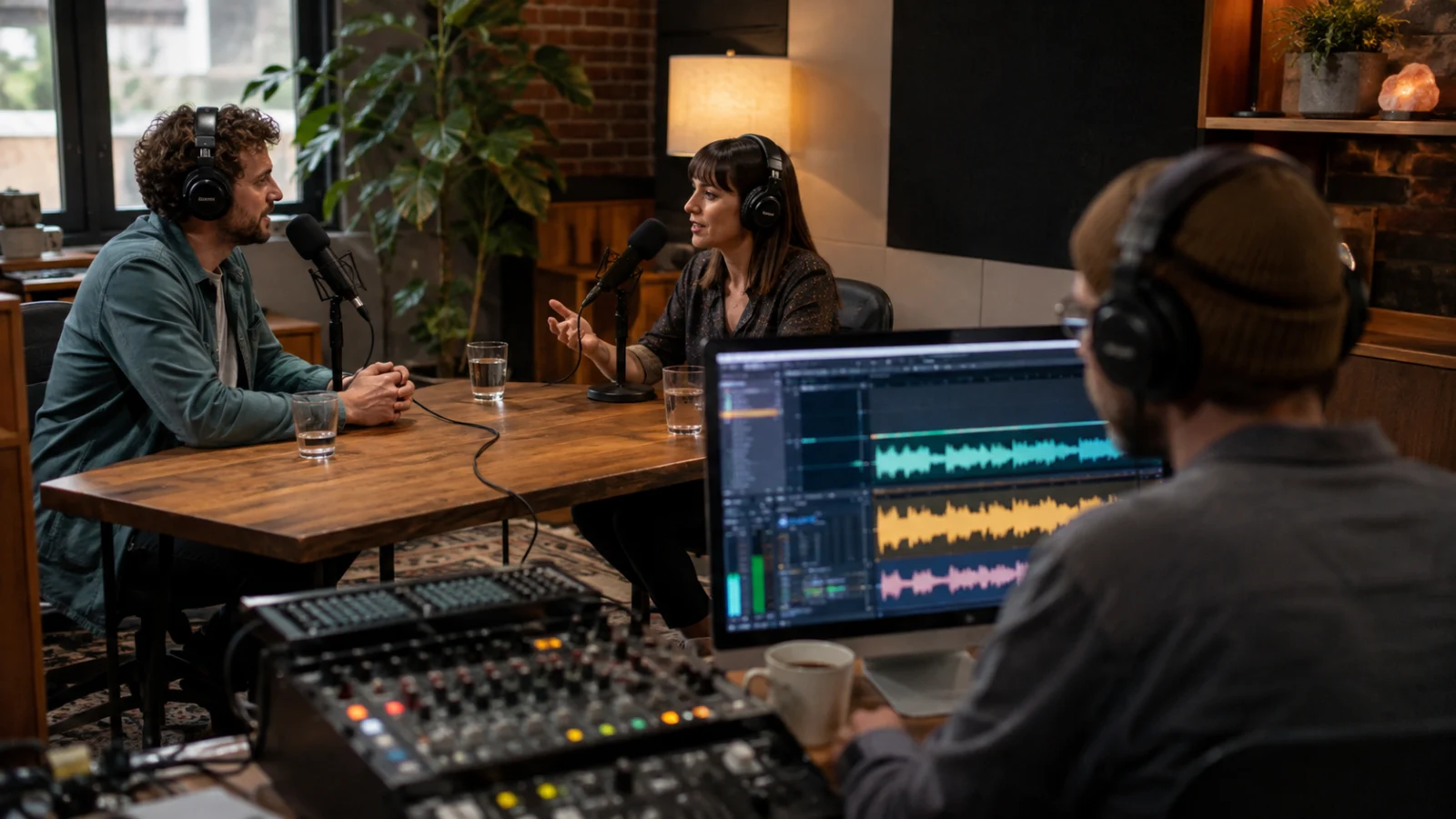
Speak again: choose the right kind of voice in Miso One
Once the script is approved, the workflow changes from recognition to synthesis. Open Miso One's AI voice generator or its focused text-to-speech studio, paste a short section, and audition how the writing sounds aloud.
Miso One gives creators three useful routes.
Use a public voice for speed and flexibility
A public catalog voice is usually the simplest choice for an explainer, course update, product demo, internal training segment, or social cut. Browse the voice library before committing to the full script. Listen for pace, clarity, energy, accent fit, and whether the voice leaves enough room for the material.
Do not select a voice only because its sample sounds impressive. Test it with the hardest part of your script: the longest sentence, the densest terminology, a quoted name, or a language transition. A voice that fits a dramatic sample may be tiring across a ten-minute tutorial.
Use a private clone when continuity matters
A private voice clone can help a host, instructor, or authorized brand speaker update material without returning to the microphone for every revision. This route carries a strict boundary: clone only a voice you own or have explicit permission to use.
Miso One's voice-cloning workflow asks for a short reference recording and a rights confirmation. A transcript does not grant voice rights. Interviewing someone, receiving permission to quote them, and receiving permission to synthesize their voice are three separate permissions.
Design a new voice when the project needs an original identity
If the script should not sound like a known person, voice design offers a cleaner creative path. Describe attributes such as age range, register, warmth, pace, energy, and use case, then test the result on representative copy. The voice-design prompt guide explains how specific, audible traits work better than vague instructions such as “make it premium.”
The choice is editorial, not only technical. A public voice favors convenience, an authorized clone favors continuity, and a designed voice favors originality.
The complete listen → edit → speak-again workflow
Consider a creator who records a 45-minute conversation with a product expert. The final deliverables are a five-minute educational video, a corrected transcript, and two short audio clips for a course update.
1. Define the destination before processing the source
Write down the deliverables, audience, required languages, target duration, and approval owner. This determines what metadata matters. Captions need timings. Direct quotations need provenance. A single-narrator video needs a script structure, not every speaker turn.
2. Transcribe and preserve the source layer
Run the recording through the chosen speech-to-text system. If testing Muse Voice Transcribe via Meta's API, record the current model identifier, request settings, date, and pricing source. Preserve the original transcript and timestamps before editing.
3. Resolve speakers and consequential words
Map Speaker A and Speaker B to real names only after verifying their voices. Review numbers, product names, deadlines, claims, and every passage selected for publication. If the speakers overlap, listen before assigning the words to either person.
4. Build a content map
Mark the transcript by function: problem, evidence, example, explanation, objection, conclusion. This is more useful than editing from minute zero to minute 45 in order. A strong five-minute script may pull one idea from minute 32 before a definition from minute 8, as long as the edit does not distort meaning.
5. Write for listening
Turn the map into short spoken sections. Use concrete nouns, controlled sentence length, and intentional transitions. Read the draft aloud once before using text to speech. If you run out of breath or lose the subject of a sentence, a listener probably will too.
6. Approve facts and voice rights separately
Ask the subject-matter owner to approve facts and quotations. Ask the rights owner to approve the chosen voice route. Do not let a content approval silently double as consent to clone a speaker.
7. Generate a short voice test
In Miso One, render 20–40 seconds containing the hardest terminology and an ordinary transition. Judge intelligibility, pacing, pronunciation, tone, and editability. Change the script or voice before generating the full piece.
8. Generate in revision-friendly sections
Divide the script at natural paragraph or scene boundaries. Smaller sections make pickups cheaper and cleaner when one fact changes. Keep a simple manifest: script version, voice, generation date, and output filename.
9. Listen against the approved script
Speech synthesis needs review too. Check for missing words, unexpected stress, acronym pronunciation, awkward pauses, clipping, and changes in loudness. Compare the audio with the approved script instead of trusting that a successful download is a correct delivery.
10. Archive the chain, not just the MP3
Keep the source media, corrected transcript, approved script, voice authorization, generated sections, and final mix together. Miso One's generation history helps with generated outputs, but the editorial record should also preserve why each change was made.
Multilingual and code-switched source audio needs two kinds of review
Meta highlights code-switching as a Muse Voice Transcribe capability. That is relevant because real multilingual conversation rarely respects neat language boundaries. A speaker may use English product vocabulary inside Mandarin, move between Spanish and English for emphasis, or pronounce a name according to its source language.
Recognition review asks: did the transcript capture the words and the language switch correctly?
Adaptation review asks: what should the final audience hear? You may keep the switch because it carries identity or meaning. You may translate it for accessibility. You may create separate localized scripts. Those are editorial choices that no word error rate can settle.
Miso One currently focuses its primary text-to-speech and cloning workflows on English, Chinese, Japanese, and Korean. Do not infer that Meta's 25 verified transcription languages automatically become Miso One output languages. For a localized production, validate the selected Miso One voice on the target script and keep a fluent reviewer in the loop.
Cost planning: API price is only one line item
At the reported launch rate of $0.18 per audio hour, Meta's recognition price is strikingly low. But a creator workflow should calculate the cost of a usable deliverable, not just the cost of an API call.
Include:
- media preparation and upload time;
- transcription processing and retries;
- human review of high-risk passages;
- structural editing and fact approval;
- voice selection or authorized clone preparation;
- test renders and corrected renders;
- audio assembly, loudness checks, captions, and delivery; and
- storage, access control, and deletion work.
A cheaper transcript with poor timestamps or unstable speaker labels may cost more to repair. A more accurate transcript can still be expensive if the editorial team cannot search or replay it efficiently. Likewise, generating one long voiceover may look efficient until a changed statistic forces a complete rerender.
Measure cost per approved minute, not merely cost per processed minute.
Privacy, consent, and provenance belong in the workflow
Audio can contain personal data, confidential plans, biometric characteristics, and the voices of people who never expected synthetic reuse. Before uploading a recording, check whether you have permission to record it, process it with the chosen provider, store it, and reuse its content.
Apply least-access principles:
- upload only the media needed for the job;
- restrict who can see source files and transcripts;
- separate public deliverables from private evidence;
- establish retention and deletion rules;
- avoid placing confidential names in a public test; and
- document consent when cloning a voice.
Provenance also protects quality. If a listener challenges a quotation, the team should be able to find the source timestamp. If a voiceover paraphrases the expert, the script should identify it as editorial narration rather than reconstructed speech. If a synthetic voice is used, disclose it where the context, contract, or audience expectation requires disclosure.
A practical quality checklist
Before publishing the final voiceover, confirm:
- the original recording is preserved;
- the transcript was reviewed against audio, not only spell-checked;
- names, numbers, quotations, and speaker identities are verified;
- paraphrases do not change the source meaning;
- the script is written for listening;
- the selected voice suits the audience and duration;
- any cloned voice has explicit authorization;
- difficult terms were tested before the full render;
- the final audio matches the approved script;
- captions were generated from the approved wording;
- loudness, silence, clipping, and pronunciation were checked; and
- source, transcript, script, and output versions can be traced.
FAQ
Is Muse Voice Transcribe a text-to-speech model?
No. Muse Voice Transcribe is Meta's speech-to-text and audio-perception model. It listens to audio and emits text, speaker information, and speech boundaries. Text to speech runs in the opposite direction. In this workflow, Miso One performs the later step of turning an approved script into generated speech.
Does Miso One use the Muse Voice Transcribe API?
This article makes no such claim, and the repository does not expose a current Muse Voice Transcribe integration. The connection is a production workflow: use an appropriate transcription system to create and verify text, then bring the approved script into Miso One for voice generation.
Is musevoice.pro the official Meta product?
No. Muse Voice is an independent browser transcription application. It publishes a guide to Meta's model and offers its own upload, recording, transcript-review, speaker-editing, and export workflow. Its site states that the current workspace is not yet powered by the Meta Model API.
How accurate is Muse Voice Transcribe?
Meta reported a first-place streaming result at launch, and The New Stack reported 3.1% WER on the cited Artificial Analysis English streaming benchmark. That result is useful comparative evidence, not a guarantee for every language, room, accent, microphone, or vocabulary. Test representative audio and review important text.
Can Muse Voice Transcribe separate speakers?
Meta says it supports diarization for more than 20 speakers and reported leading public benchmark results at launch. Diarization remains fallible. Verify speaker identity before publishing quotations, decisions, or claims.
What is the best Miso One voice for an adapted transcript?
There is no universal best voice. Start with the audience and use case, then test the hardest section. Choose a public voice for flexibility, a private clone for authorized continuity, or a designed voice when the project needs a new identity.
Should I generate one long voiceover or several sections?
Use sections for most revision-heavy work. Natural paragraph or scene boundaries make pronunciation fixes, fact updates, and timing changes easier. Keep consistent settings and assemble the approved sections in your editor.
Final takeaway
Muse Voice Transcribe makes the first step of a live audio workflow more capable: it can recognize words, model speaker turns, and detect endpoints while audio is still arriving. For creators, however, the valuable unit is not a raw transcript. It is a trustworthy new piece of audio.
That requires all three verbs. Listen so the source remains evidence. Edit so the transcript becomes an accurate, purposeful script. Speak again with a voice that fits the audience, the rights, and the project.
When the script is approved, open Miso One's text-to-speech workflow, test a short section, and build the final voiceover in revision-friendly parts.