
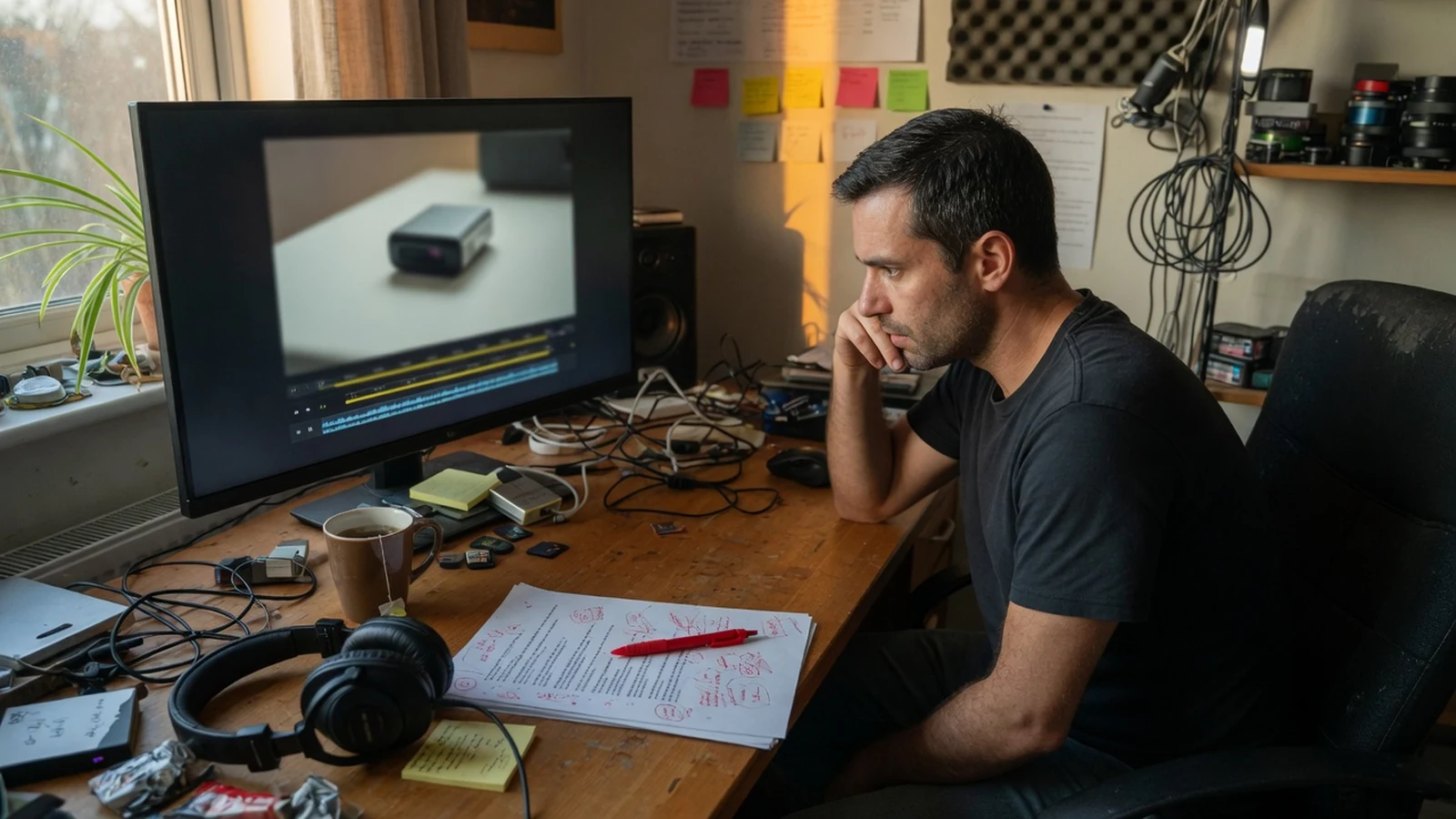
Most voiceover delays do not start in the microphone. They start when the script moves after the first take exists. A product name changes. Legal shortens a claim. A course team rewrites one slide. The picture lock shifts by two seconds. If speech is treated as a finished performance, every one of those edits becomes a new recording session. Text to speech is useful here for a narrower reason than “it sounds more natural now.” It lets you treat spoken audio as a replaceable asset that follows the written source.
Generating a voiceover once and running a revision-first workflow are different jobs. The first asks an AI voice generator to finish the piece. The second asks it to keep the piece editable.
Key takeaways
- Split spoken copy into units that can be recast, regenerated, and dropped back onto a timeline without redoing the whole track.
- Cast on a hard control line before generating a full product video, course module, or prompt tree.
- Public catalog voices are enough for many drafts; a private clone belongs later, and only with a cleared speaker.
- On Miso One, the loop lives in the AI voice generator, with later takes in Generation History.
- An independent browser studio with the same edit-preview-export shape is Fish Voice.
Why Voiceover Production Breaks When Copy Is Still Moving
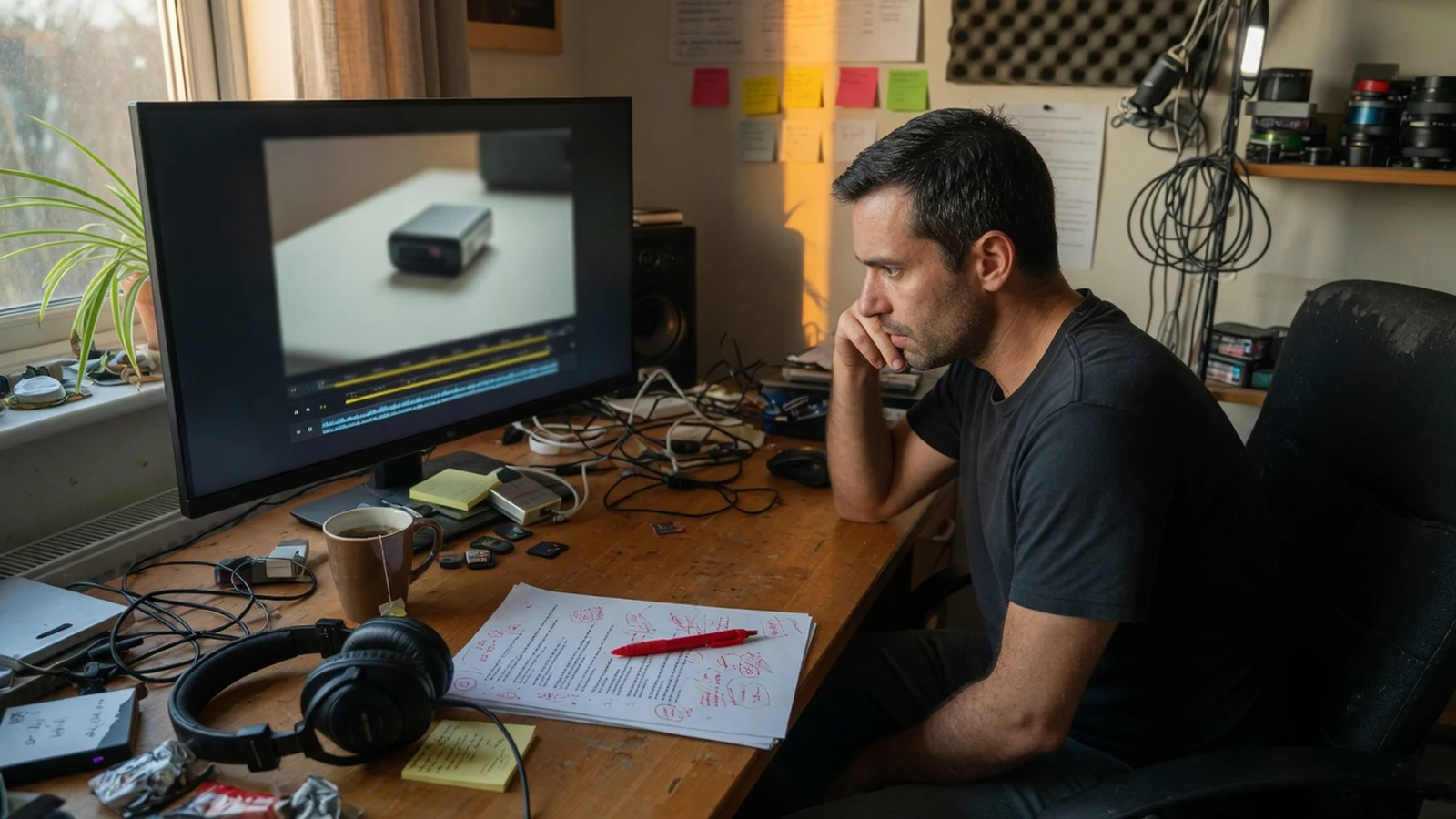
Traditional recording assumes a stable script. The talent arrives after copy is approved, reads the full piece, and leaves. That model still works for a locked documentary narration or a one-off brand film. It is a poor fit for the work that now fills most calendars: product videos that change with the UI, short-form clips that get recut after the first comment, training modules that pick up a policy note, and in-product prompts that go through several product reviews.
The expensive part is rarely the first read. It is the pickup. A two-word change can force a new session, a new room tone match, and a new mix. If the original speaker is unavailable, teams either leave the old line in place or accept a second voice in the same video. Viewers notice that more quickly than they notice a slightly synthetic narrator.
Text to speech does not remove editorial judgment. It changes where the judgment happens. Instead of protecting a recording because it was hard to make, you protect a speaker choice and a file naming scheme. The audio can be regenerated when the words change. The job of the producer is to make sure that regeneration is cheap, comparable, and tied to a specific scene, slide, or prompt.
This also changes how you write. Spoken copy is not a blog paragraph with the headings stripped out. Long clauses that look fine on a landing page become airless when read aloud. Numbers, product names, and abbreviations are the first things a listener trips on. A revision-first workflow therefore starts earlier than the generate button. It starts by writing lines that a later editor can isolate.
What a Revision-First Text to Speech Workflow Looks Like
The workflow is the same across videos, courses, and product audio, even though the destinations differ. You decide what a replaceable unit is. You stress-test the voice on the hardest unit. You generate only after that unit is acceptable. You keep history so a later replacement can match the speaker already in the cut.
A practical sequence looks like this.
1. Cut the script at the same places the project will change. For a product video, that is usually the hook, each on-screen beat, and the close. For a course, it is the module, lesson, and screen ID. For product audio, it is each prompt, error state, or onboarding step. If two sentences will never be revised independently, they can live in one file. If legal might change only the second sentence, they should not.
2. Build a control line before you generate the full job. The control line should contain a proper noun, a number, and the longest sentence you expect to ship. Catalog demos are too clean to reveal whether your wording will sound rushed, hollow, or oddly stressed. One difficult excerpt is more informative than a minute of generic sample audio.
3. Cast against that line, not against a thumbnail. Run the same excerpt through a shortlist of speakers. Listen for intelligibility at the speed the cut requires, not for how pleasant the voice sounds in isolation. A warm narrator can still swallow a SKU. An energetic short-form voice can still smear a legal phrase.
4. Generate by unit and listen in context. A take that sounds fine in a player can sit badly under a UI recording, a slide, or a hold-music bed. Place the file against the destination before you batch the rest. If the line overruns the shot, shorten the copy. Do not ask the model to “sound faster” until the sentence itself is speakable.
5. Keep the speaker constant while the words move. Reviewers should argue about claims, pacing, and picture, not about a new voice every round. Once the speaker is chosen, later renders are replacements, not recasts.
6. Store the accepted file with its source ID.
hook_v3.mp3 is only useful if someone can find the script that produced it. Tie filenames to scene markers, lesson IDs, or prompt keys. When a later edit arrives, regenerate that ID only.
This is also where an AI voice generator earns its keep. The category is broader than text to speech: it usually includes catalog audition, optional voice design, and, on some platforms, AI voice cloning. The revision-first test is simple. Can you change one sentence, keep the same speaker, and recover the previous take if the new one is worse? If the answer is no, you have a demo tool, not a production loop.
Text to Speech for Product Videos and Short-Form Narration
Product videos fail when narration tries to describe everything the picture already shows. The more useful job for text to speech is to carry the information that is not on screen: why the step matters, what to notice, and what to do next. That makes the script shorter, which is a production advantage. Shorter units are easier to replace when the interface changes.
Work from the cut sheet, not from a single undivided document. Give the opening line its own file. If the hook is doing all the work in a 20- or 30-second demo, it will be rewritten more than the middle. The same is true for TikTok, Reels, and Shorts: mark the hook, the supporting beat, and the closing action as separate source lines. An editor can then tighten one moment without regenerating a clip that already landed.
Casting should use two excerpts, not one. The first spoken moment tests tone. The sentence with names, prices, or quotations tests correction work. A voice that sells the hook but misreads the product name is not a candidate. Put the shortlist on the timeline against representative visuals. Timing problems are usually copy problems. A pause you like in isolation can push a caption off the shot.
There is a second habit that saves hours later: do not narrate the same words that appear as on-screen text unless the audience needs both. Duplicate copy makes every revision twice as expensive, because the caption and the voice have to change together. Write only what must be heard, then generate.
Fish Voice’s YouTube and short-form guidance follows this scene-level pattern: compare voices on a revealing pair of lines, keep accepted scenes isolated, and replace the file whose words or timing changed. That is a better default than rendering a full narration and hoping the edit will not move.
Course Narration That Survives a Policy Update
E-learning audio has a different failure mode. The course is a hierarchy. When a policy step in lesson 4.2 changes, the team should not have to hunt through a 14-minute master file. Structure the spoken source the way the LMS is structured: module, lesson, screen, scenario. Stable IDs turn a wording change into a known narration task.

Before a batch render, audition the language learners will actually hear. Product names, acronyms, values, and specialist terms belong in a glossary excerpt. Cast the instructional voice on that excerpt. Clarity beats personality here. A curious, slightly energetic speaker can still be the wrong choice if it races through a safety instruction.
Then validate every take with its screen. Duration matters as much as pronunciation. A line that overruns a click-next interaction will be skipped. A line that finishes too early leaves a dead pause that feels like a loading error. If the screen has a visual that the audio never mentions, decide whether that is intentional. For accessibility tracks, it often is not. For software walkthroughs, it often is, because the pointer is doing the naming.
Keep a pronunciation log next to the voice choice. Once you have decided that “k8s” is spoken as “Kubernetes,” later replacements should not invent a second reading. Text to speech will do what the text tells it to do. If the source is inconsistent, the course will sound inconsistent even when the speaker is the same.
The revision-first payoff shows up months later. A compliance update should regenerate one ID. The rest of the module can stay. That is only possible if you refused the convenience of one long narration file at the start.
Product Audio, Onboarding Lines, and Voice Agent Prompts
In-product speech is closer to interface writing than to filmmaking. The listener may be interrupted. The room may be noisy. The line may be heard after an error. Those conditions punish decorative copy. They also punish a workflow that regenerates an entire prompt tree because one branch changed.
Treat each prompt, confirmation, error, and timeout as its own source record. Render complete interaction branches, then listen for ambiguous choices and excessive duration. A voice agent that takes four seconds to say “one moment” will feel broken even if the model is fluent. If a menu offers two options, read the line as a user who was only half paying attention. If both options could answer the same intent, rewrite before you generate again.
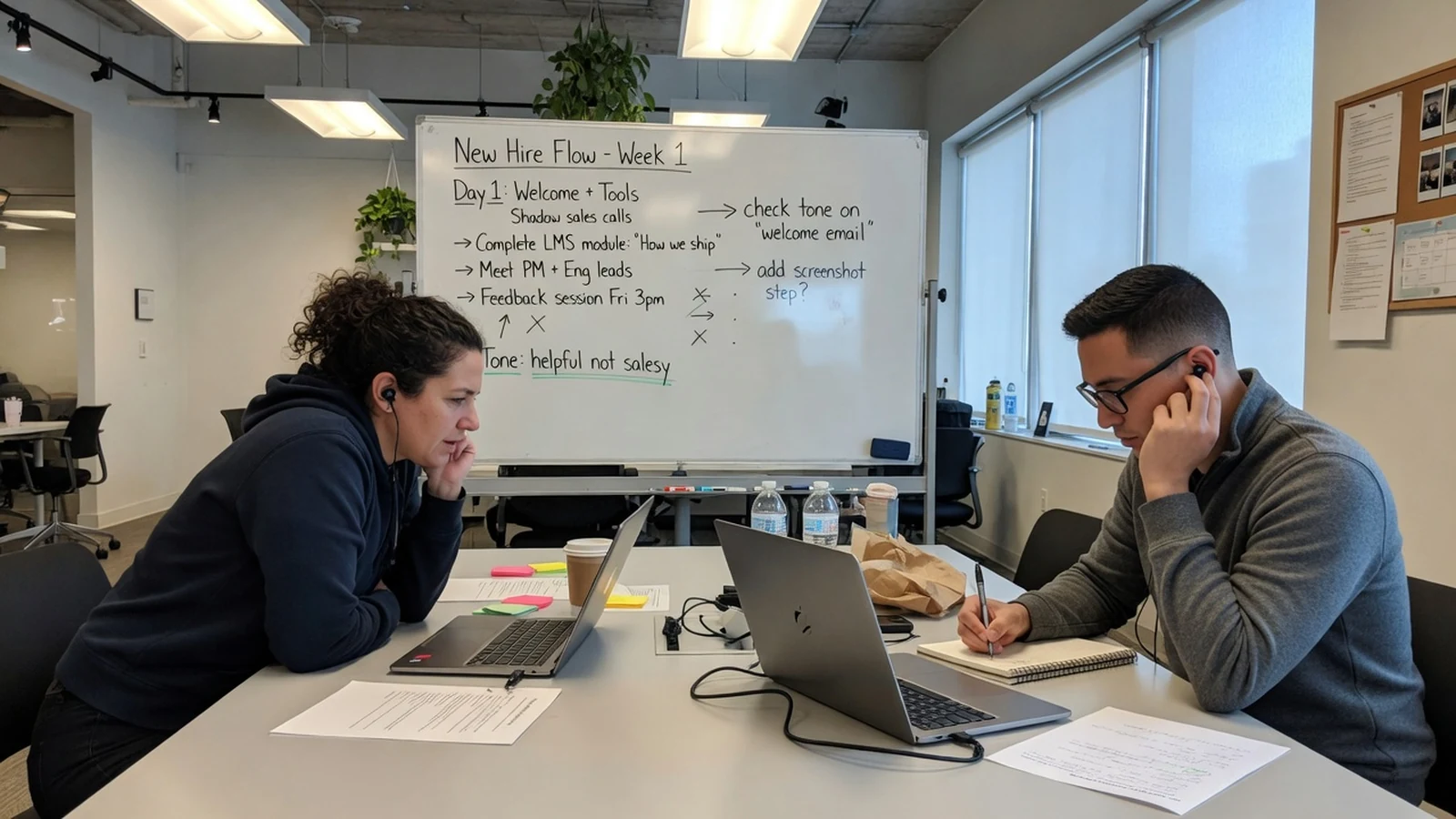
Onboarding audio has a related problem: tone drift. Week-one product tours often start helpful and become salesy after marketing review, or the reverse after support review. Keep the speaker fixed so reviewers argue about wording. A whiteboard full of “welcome,” “tools,” and “how we ship” is a script problem, not a casting problem. Generate comparable takes of the same speaker reading each candidate line. The comparison is then honest.
For prototypes, text to speech is often enough. Teams can hear a spoken onboarding flow before engineering commits to final audio. That is one of the clearer uses of a browser AI voice generator: you are not trying to ship a brand voice yet. You are trying to learn whether the copy is speakable, whether the branch is too long, and whether the prompt sounds like a person the user would trust.
Do not clone a founder’s voice for this stage unless you have a reason that survives the prototype. A public catalog speaker, or a designed synthetic style, is easier to discard. Cloning is for continuity after the words have settled.
Where an AI Voice Generator Fits, and When AI Voice Cloning Should Wait
An AI voice generator is the workspace around the render: catalog search, short tests, designed speakers, history, and export. Text to speech is the conversion step inside that workspace. The two terms get used as synonyms in search, but the production distinction matters. If you only need a one-off read-aloud, almost any TTS box will do. If you need to keep a speaker through a month of edits, you need the surrounding workflow.
AI voice cloning is a third decision. It is the right tool when a specific, authorized identity has to persist across replacements: an instructor who cannot re-record every week, a founder narration that must stay consistent, a character that already exists in the product. It is the wrong tool when you are still choosing a tone, when you do not have permission, or when a catalog voice would be easier to retire.
Consent is not a checkbox you click after the model exists. On a serious platform it is a gate before creation. Miso One keeps private models in My Voice Models after you confirm you have the right to use the reference. Fish Voice’s private cloning flow asks for a signed-in account, a right-to-use attestation, and reference audio you are authorized to supply. The resulting model stays in that account rather than landing in the public catalog. Suggested reference length on the Fish Voice product page is 10 to 60 seconds of clear speech. After the model is built, you still have to test it on unfamiliar text. A clone that repeats the reference paragraph well can still mishandle a new product name.
There is a second rights question that cloning does not solve. Community styles that imitate a real person or a fictional character are not a cleared production voice. Fish Voice’s voice usage policy treats original synthetic styles more broadly for personal and commercial work, subject to plan limits, and puts narrower rules on recognizable imitations, including disclosure and bans on deceptive impersonation. If the project needs a brand speaker, use an original style, a designed voice, or a private clone with documented permission. Do not treat a public figure profile as a shortcut.
Voice design sits between catalog and clone. You describe age, accent, energy, and role when no existing speaker fits the brief. That is useful for a character or a product persona that should not sound like a person you could name. It is less useful when the team already has an approved narrator and only needs pickups. Compare candidates in the Voice Model Library before you spend credits on a long render.
A simple rule keeps the three paths from collapsing into each other:
- Catalog voice: fastest way to test the script.
- Designed voice: when the speaker should be original, not borrowed.
- Private clone: when an authorized identity must survive revision.
If you skip that order, you will clone too early and recast too often.
How to Run This Workflow in a Browser Studio
You do not need a local install to run the loop. A browser studio is enough if it keeps the script, the speaker choice, a short preview, and prior takes in one place.
On this site, start from the AI voice generator. Paste the words people will hear, compare speakers, check names and timing, revise the source, and recover earlier output from Generation History. For a short-form script with hook, tutorial, and product templates, use the TikTok text to speech generator. Pricing is where current character limits and credit packs live.
An independent studio with a similar shape is Fish Voice text to speech: paste the line, compare speakers, and download an approved MP3. Fish Voice is a separate site at fishvoices.com. It is not the Fish Audio product at fish.audio, and it is not FineShare VoiceArt. The workspace combines public voice discovery, text to speech, permission-based private cloning, voice design, generation history, and export. The current catalog is organized around more than 300 public styles and four language groups: English, Chinese, Japanese, and Korean. That matters if you are planning localized product videos or course tracks in the same project rather than sending each language to a different vendor.
On Fish Voice, the free path lets you generate 120 characters at a time, which is enough for a control line, a hook, or a single prompt. Signing in adds 15 welcome credits. Paid subscriptions and prepaid packs raise the cap to 1,000 characters per conversion, which covers a scene or a lesson screen more comfortably. Longer scripts should still be split. A 1,000-character block that mixes a hook, a demo, and a disclaimer will be painful to replace later.
Credits are shared across text to speech, voice design, and private model creation. That is an argument for spending the first pass on the difficult sentence. If the name is wrong, the full section would have been wasted. Generation history then keeps earlier output available when feedback sends you back to the same speaker.
The five-step path matches the workflow in this article: start with the exact words, cast a voice, listen to a short sample, render the approved performance, then export and preserve context. None of those steps is unique to one brand. The reason to use a dedicated studio is that the steps stay on one account instead of leaking across a desktop recorder, a cloud TTS page, and a folder of unlabeled MP3s.
Plan terms still have to be checked before commercial publication. Character allowances, clone limits, and commercial-use rules live on each site’s pricing and policy pages, and promotional billing can change. Read those pages for the current numbers rather than treating any roundup as a contract.
Checks Before You Export the File
Approval is a listening pass, not a waveform glance. Play the take beside the picture, the slide, or the prototype.
Check the words that usually break first: names, numbers, URLs, and acronyms. If a price or a date is in the line, confirm that the model read the version you intended. “2026” can become “two thousand and twenty-six” or “twenty twenty-six.” Either can be correct. Mixing them in one course is not.
Check duration against the destination. Spoken English often lands around 140 to 160 words per minute in narration, and a 60-second product spot often carries about 130 to 150 spoken words if you leave room for picture. Those ranges are production heuristics, not lab results. If your line is dense, cut it. Text to speech will not magically make an overloaded sentence feel calm.
Check continuity. The replacement should sound like the same speaker as the files around it. If it does not, you recast by accident, or the new sentence is asking for a different energy than the rest of the piece. Rewrite toward the established read before you hunt for a new voice.
Check rights. Original synthetic styles, designed voices, and authorized private clones are different categories. If the published audio imitates a recognizable person, disclosure and local law sit with you, not with the generate button. Keep evidence of permission next to any private model.
Then export the accepted MP3 and leave the rejected takes in history. The next revision will arrive. The point of the workflow is that you already know which ID to open.
FAQ
Is text to speech good enough for product videos, or should I still hire a narrator?
It depends on how often the copy will change and how much the voice is the product. Tutorial walkthroughs, UI narrations, and course screens are a strong fit because the viewer is looking at the picture and the script will be edited. A brand film with a locked script and a specific performer may still need a human session. Many teams use text to speech for drafts and pickups, then record a final only if the project actually freezes.
When should I use AI voice cloning instead of a catalog voice?
Use cloning when you have the speaker’s authorization and you need that identity to stay available for later replacements. Skip it while you are still choosing a tone, testing a prototype, or running a one-off social clip. A private clone is a production asset. Treat it with the same care you would give a recorded voice library: permission, storage, and a plan for retiring the model.
How do I keep an AI voice generator from sounding flat on a long course?
Do not generate the whole course as one file, and do not write the whole course as one paragraph. Shorten sentences, use punctuation to mark pauses, and put specialist terms in a glossary test before the batch. If a lesson needs a different energy than a legal disclaimer, that is a script split, not a request for the model to “add emotion” to an unreadable block.
Can I publish Fish Voice audio commercially?
Original synthetic styles may be used in personal and commercial projects under the site’s terms and plan limits. Imitative public-figure or character styles are more restricted. Private clones require a right-to-use attestation and remain account-bound. Read the current Voice Usage Policy and plan terms before you publish. The tool generates speech; it does not decide that your project has the rights to a script, a person, or a character.
Why not generate the entire video narration in one pass?
Because the first thing that will change is one part of it. A single master file turns a two-word legal edit into a full re-render and a new sync pass. Scene-level or screen-level files cost a little more organization at the start and save the project every time the copy moves, which is most of the time.
Conclusion
Text to speech becomes production infrastructure when you stop asking it for a finished performance and start asking it for a replaceable take. Split the script where the project will change. Cast on the hardest line. Generate in context. Keep the speaker still while the words move. Bring in AI voice cloning only after permission and continuity actually require it.
If you want to test that loop on a real sentence rather than a catalog sample, paste the line into the Miso One AI voice generator or the Fish Voice studio and compare a short preview before you commit a longer render. The workflow is the point. The file you download is just the current version.